
Wingdings vs Webdings What Sets Them Apart
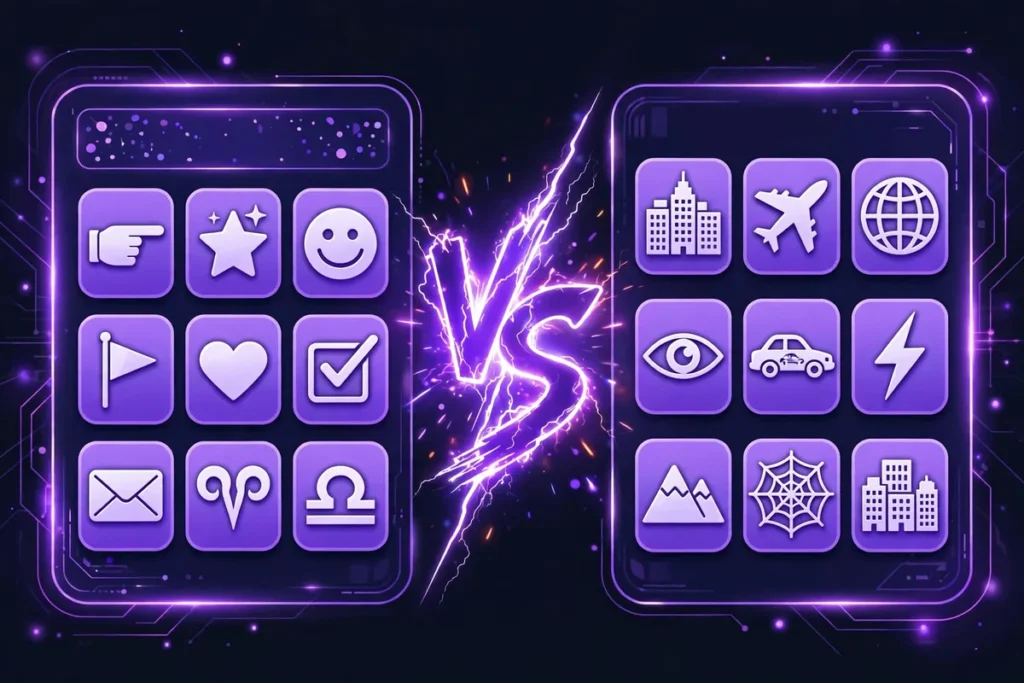
Are Wingdings and Webdings the same font? Both are Microsoft symbol fonts that turn typed letters into pictures, so many people mix them. But they are separate fonts with different collections of icons, and neither can replace the other. Wingdings offers hand gestures, smiley faces, and arrows for documents, while Webdings offers web-style icons such as globes, houses, and vehicles. In this Wingdings vs Webdings guide, you will learn about their history, key differences, uses, and which one suits you better.
Wingdings vs Webdings: Quick Comparison
The tables below give a quick review of what Wingdings and Webdings share and where they differ.
Where they share
|
Characteristic |
Both fonts |
|---|---|
|
Released by |
Microsoft |
|
Type |
Symbols (dingbat) fonts |
|
How they work |
Change the font, then type letters to get symbols |
|
Included with |
Windows |
|
Later added to Unicode |
Many symbols in Version 7.0 |
Where they differ
|
Quick question |
Wingdings |
Webdings |
|---|---|---|
|
Who made it? |
Charles Bigelow and Kris Holmes |
Vincent Connare and team |
|
When did it arrive? |
Designed 1990-91, released 1992 |
Released 1997 |
|
What did it come with? |
Windows 3.1 |
Internet Explorer 4.0 |
|
Is it part of a family? |
Yes, with Wingdings 2 and 3 |
No, a single font |
|
What will you find? |
Arrows, hand gestures, smiley faces |
Vehicles, houses, information signs, globes |
|
What look was intended? |
To match the Lucida text fonts |
Creative, friendly, hand-drawn |
Why Were Wingdings and Webdings Created?
Before symbol fonts, adding a symbol such as an arrow or a checkmark to a document often took extra steps. Symbol fonts made this easier by allowing users to simply type a letter, change the font, and see a symbol appear in its place.
Wingdings offered symbols for everyday documents like bullets and arrows, and Webdings came later, when the web was growing fast and designers needed handy icons for web pages.
The History of Wingdings
Wingdings was designed in 1990 and 1991 by Charles Bigelow and Kris Holmes as three separate fonts. They were first called Lucida Icons, Arrows, and Stars before Microsoft licensed them and released them as Wingdings in 1992.
Windows has included it since version 3.1, and its name combines “Windows” with “dingbats,” which are decorative symbols. At first, its symbols had no Unicode codes, but Unicode 7.0 later added many of them.
The Story Behind Webdings
Webdings was released by Microsoft in 1997, and its designers were Vincent Connare, Sue Lightfoot, Ian Patterson, and Geraldine Wade. It came five years after Wingdings, so it is the younger of the two fonts.
It first appeared with Internet Explorer 4.0 and has been included in every version of Windows since Windows 98. Many of its symbols were later added to Unicode in version 7.0, which gave them standard computer codes.
Key Differences Between Wingdings and Webdings
They are both symbol fonts from Microsoft, but they may look alike at first glance and differ in three key ways: their symbols, their purpose, and their visual style.
Different Symbol Sets
Each font has its own collection of symbols, so they cannot replace each other. Wingdings includes symbols such as arrows, zodiac signs, and hand gestures, and it also has two related fonts, Wingdings 2 and Wingdings 3. Webdings focuses on picture-style symbols such as vehicles, information signs, and web-style icons.
Design and Visual Style
Wingdings was designed to go with the Lucida text fonts, so it adds small symbols to regular text. Webdings, in contrast, was designed with a creative, friendly, and hand-drawn look in mind. The easiest way to see the difference is to type the same letter or word in each font.
|
You typed |
Wingdings |
Webdings |
|---|---|---|
|
A |
✌️ |
🏗️ |
|
EXCELLENT |
☜️✠️👍️☜️☹️☹️☜️☠️❄️ |
🏜️🔈️🏙️🏜️🔍️🔍️🏜️👁️🛳️ |
|
Very Bad |
✞️♏️❒️⮹️ ️👌️♋️♎️ |
🕫️📦️🗙️⊖️ ️🏘️✔️🛡️ |
Why Do People Confuse Wingdings and Webdings?
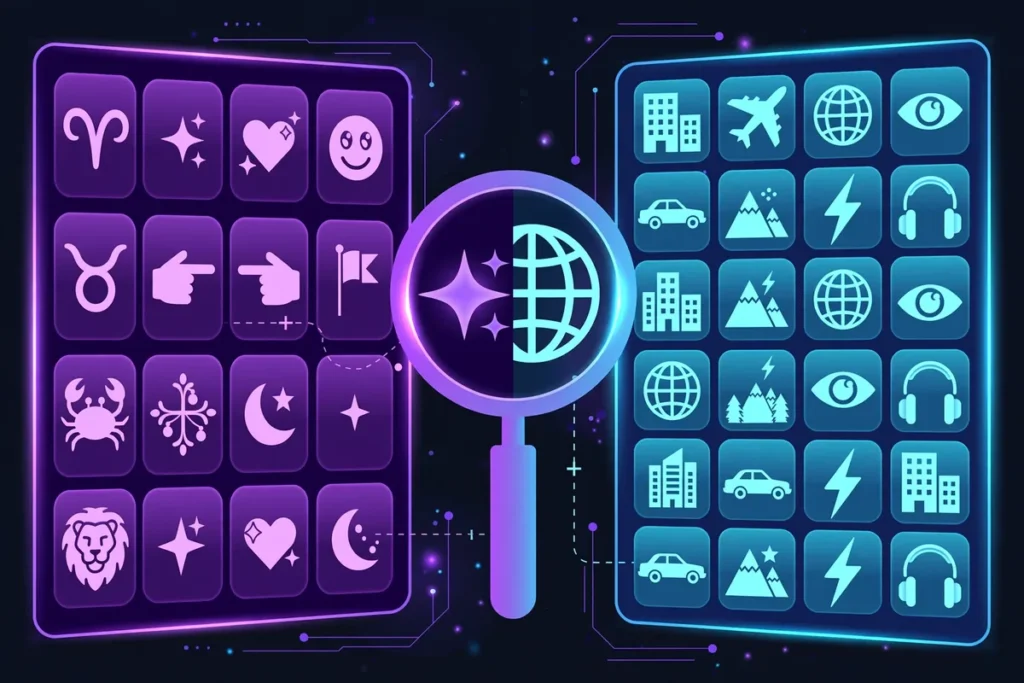
People often mix up Wingdings and Webdings because their names are similar, and both end in “dings,” which adds to the confusion. Both fonts come with some Microsoft software, so users may find them listed in the same font menu. When a symbol appears on screen, it can be hard to tell which of the two fonts produced it. Our Wingdings translator can help you decode them.
Fun Facts About Wingdings and Webdings
- In 1992, some people noticed that typing “NYC” in Wingdings gave a skull and crossbones, a Star of David, and a thumbs-up, so they believed it was a hidden message, but Microsoft denied any such intent.
- In 1997, after that controversy, one of Webdings’ designers chose an eye, a heart, and a skyline for “NYC,” a reference to the “I Love New York” logo.
- The same designer also created Comic Sans and Trebuchet MS.

Are Wingdings and Webdings Still Relevant Today?
Yes, both fonts are still relevant today because they are available in Windows, so you can use them in documents. Before the emoji era, they were a common way to add small pictures to text. Some people see them as an early version of emoji, but today they are often used for fun and symbolic messages. Fans of Undertale, for example, write Gaster-style messages in Wingdings, and a Gaster translator makes that easy.
Which Font Should You Choose?
The best font depends on what you need, and the lists below help you pick the right font.
Choose Wingdings If You Need
- Arrows and pointing hands to highlight key points.
- Smiley faces for a friendly touch in notices and invitations.
- Folder and mail symbols for worksheets and office-style documents.
Choose Webdings If You Need
- Vehicle icons for transport-themed pages and slides.
- Globe and house icons for website mockups and presentations.
- Weather and nature symbols for outdoor or travel themes.

Frequently Asked Questions
Final Thoughts
These two fonts are full of tiny icons that spark curiosity, and that is the charm of Wingdings and Webdings. The best way to understand them is to try them yourself. Choose a word or sentence and see how it looks as symbols, and our translator makes it quick.